
Sold out? Update your menu in one tap
Mark a dish sold out or change a price, and your customers see it straight away. No orders for food that is gone.
Book My Food team Published 2 min read
 Illustrative photo
On this page
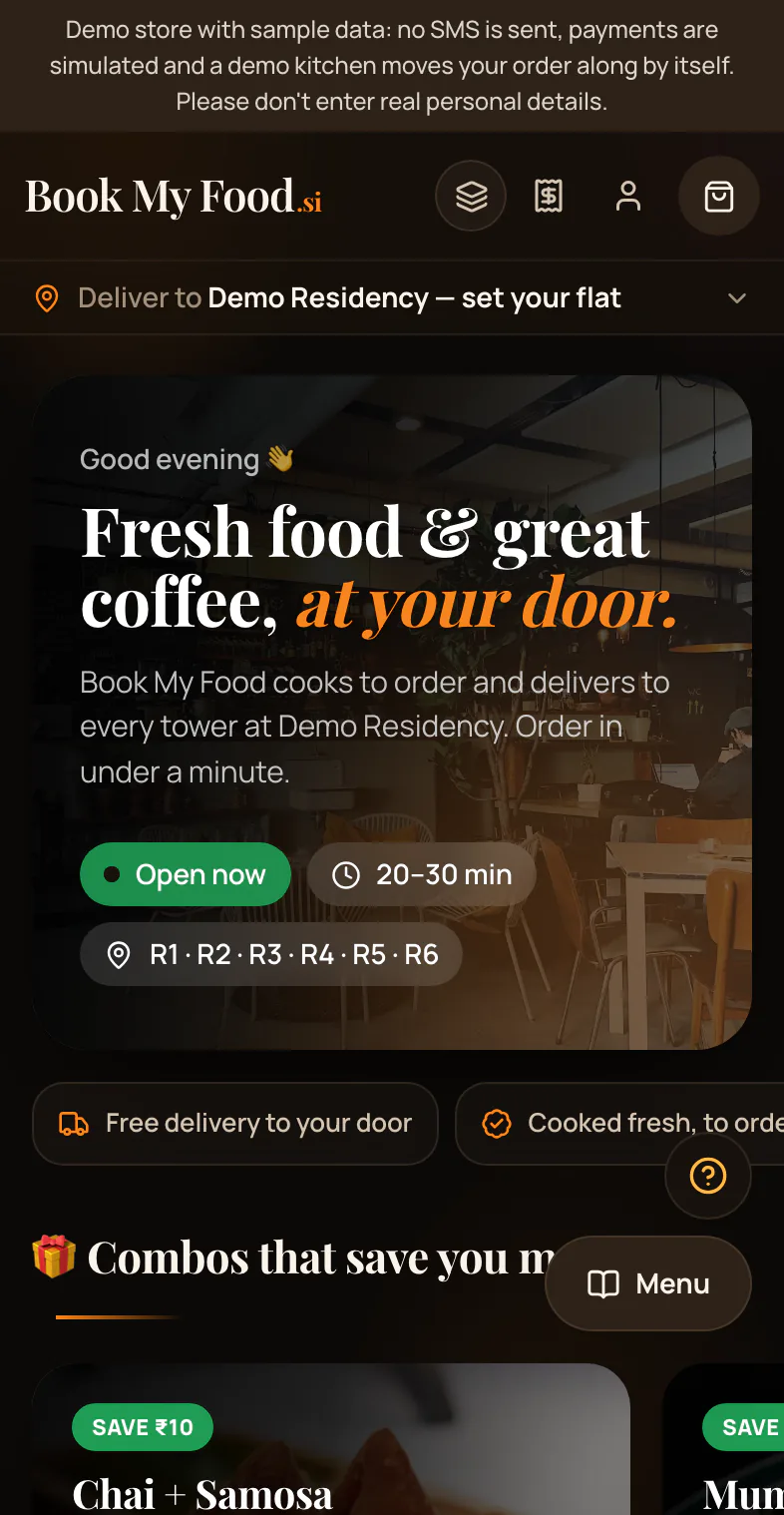
Your online menu is live. When you change it, your customers see the change at once.
When a dish runs out
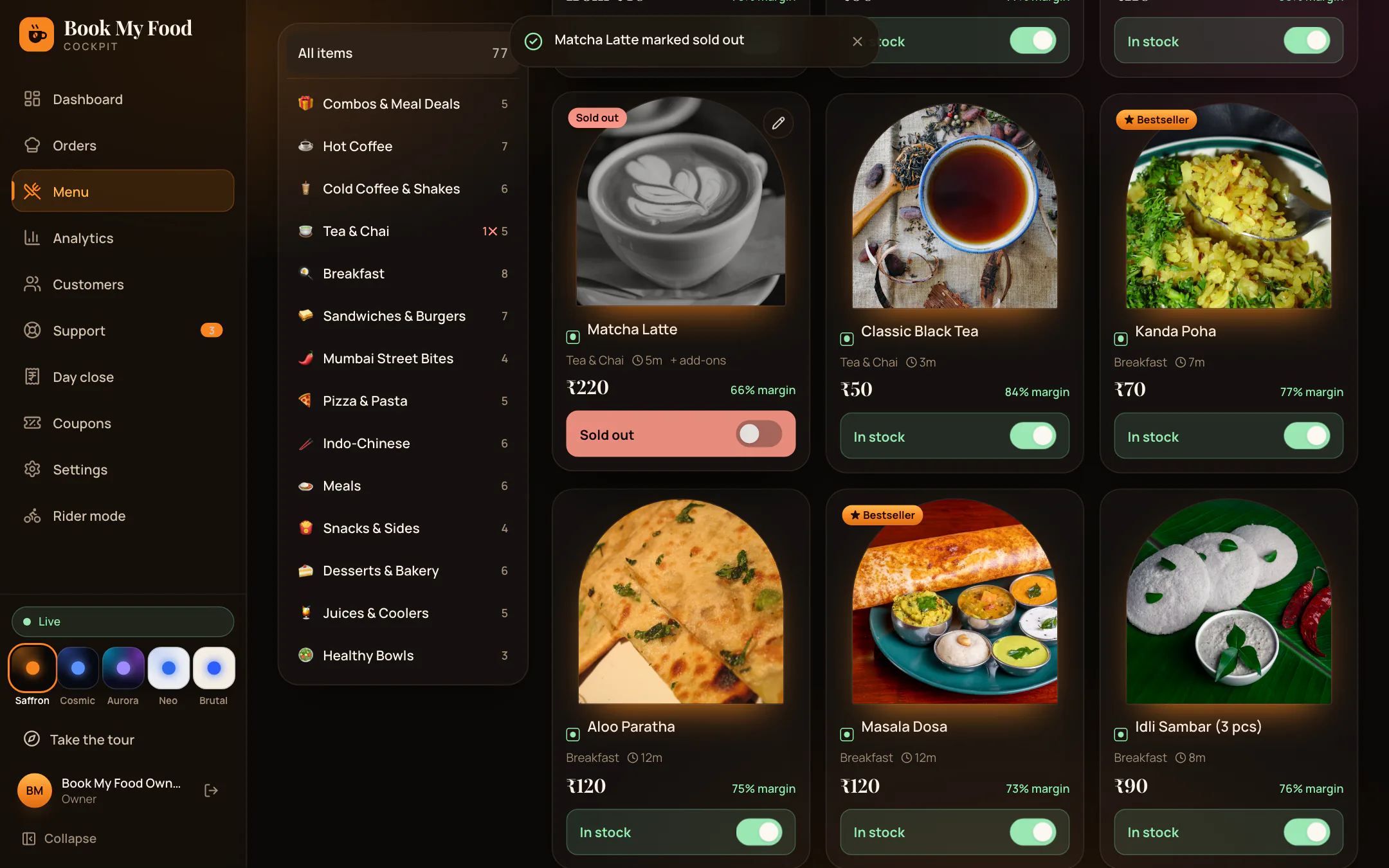
You tap Sold out on your screen.
On your customers’ screens the dish turns grey at once. They cannot add it.
When it comes back
You tap it back on. It shows again right away.
Prices are live too
If you change a price, your customers see the new price at once.
Their bill always uses the latest price.
Already in a customer’s cart?
They must remove it to continue.
Order again
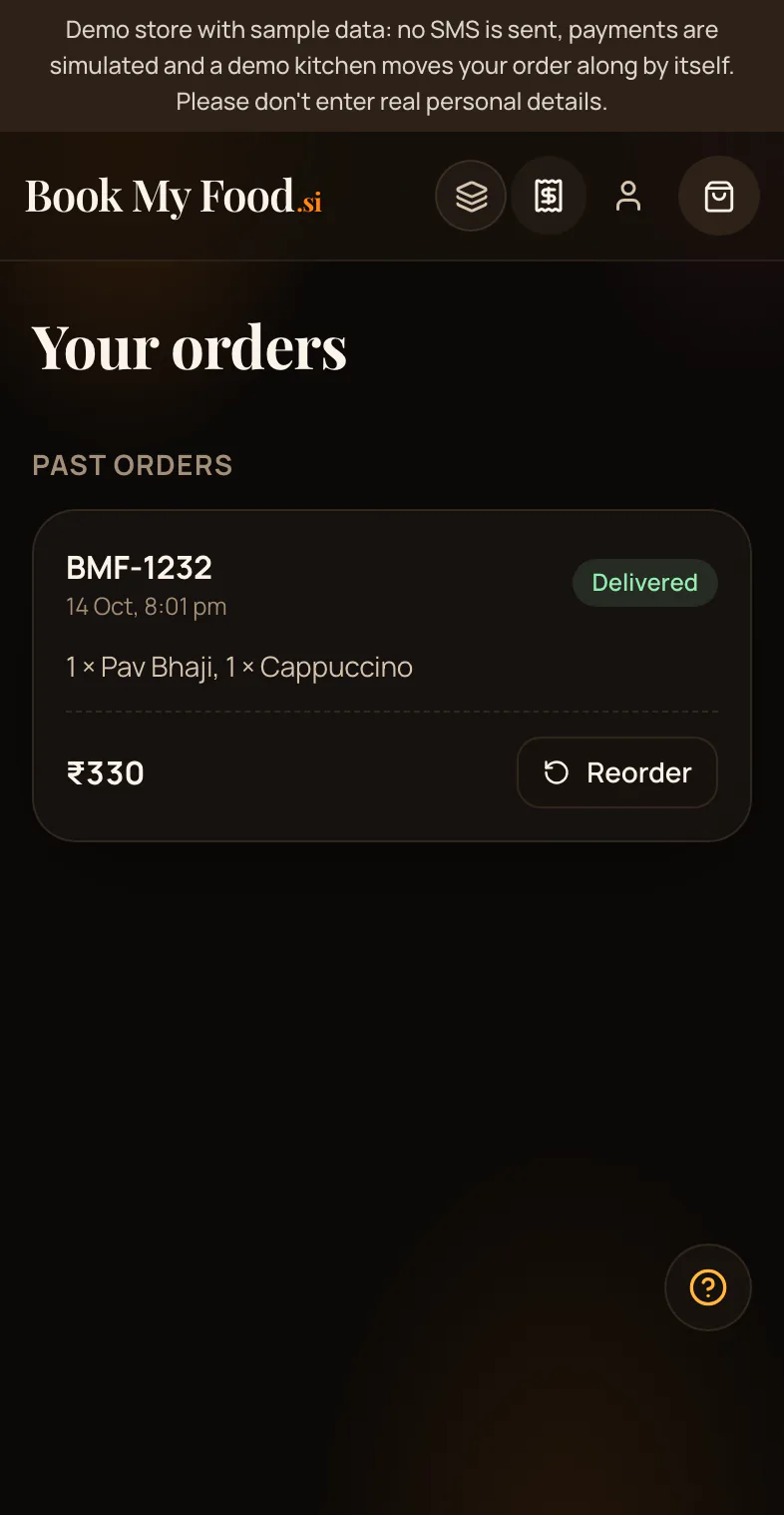
Order again uses today’s prices. Anything sold out today is left out, and your customer is told which dish.
Dish photos on the demo menu are sample photos.
See it live: Try the demo store.
Watch it
Mark a dish sold out and edit a price
The owner’s Menu next to a resident’s phone: one tap marks a dish sold out and it greys out for residents at once, then back in stock; a price edit reaches residents straight away (and is put back on the demo).
See it with your own menu.
Book a demo

