
What your customers see at each step of an order
Placed, accepted, cooking, on the way: how each tap on your kitchen board updates your customer’s tracker.
Book My Food team Published 3 min read
 Illustrative photo
On this page
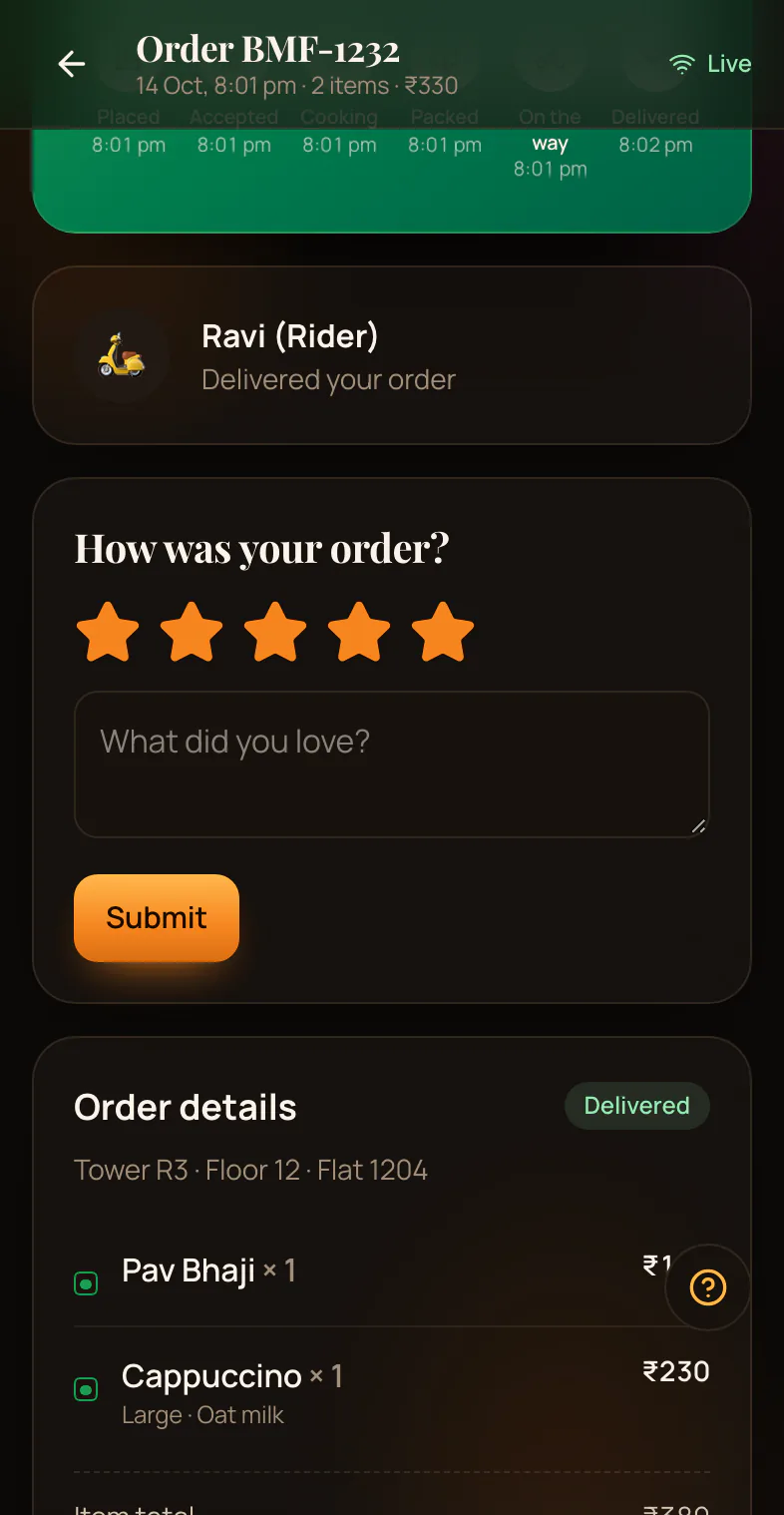
Your customer’s order page updates by itself when your kitchen moves the order. Here is what each status means to them.
Awaiting payment
Your customer chose to pay online, and the payment is not done yet.
Your kitchen does not see the order until the payment goes through. If they do not pay, the order is cancelled by itself after 30 minutes.
Order placed
Your kitchen has the order. It is not confirmed yet.
Your customer can still cancel it now.
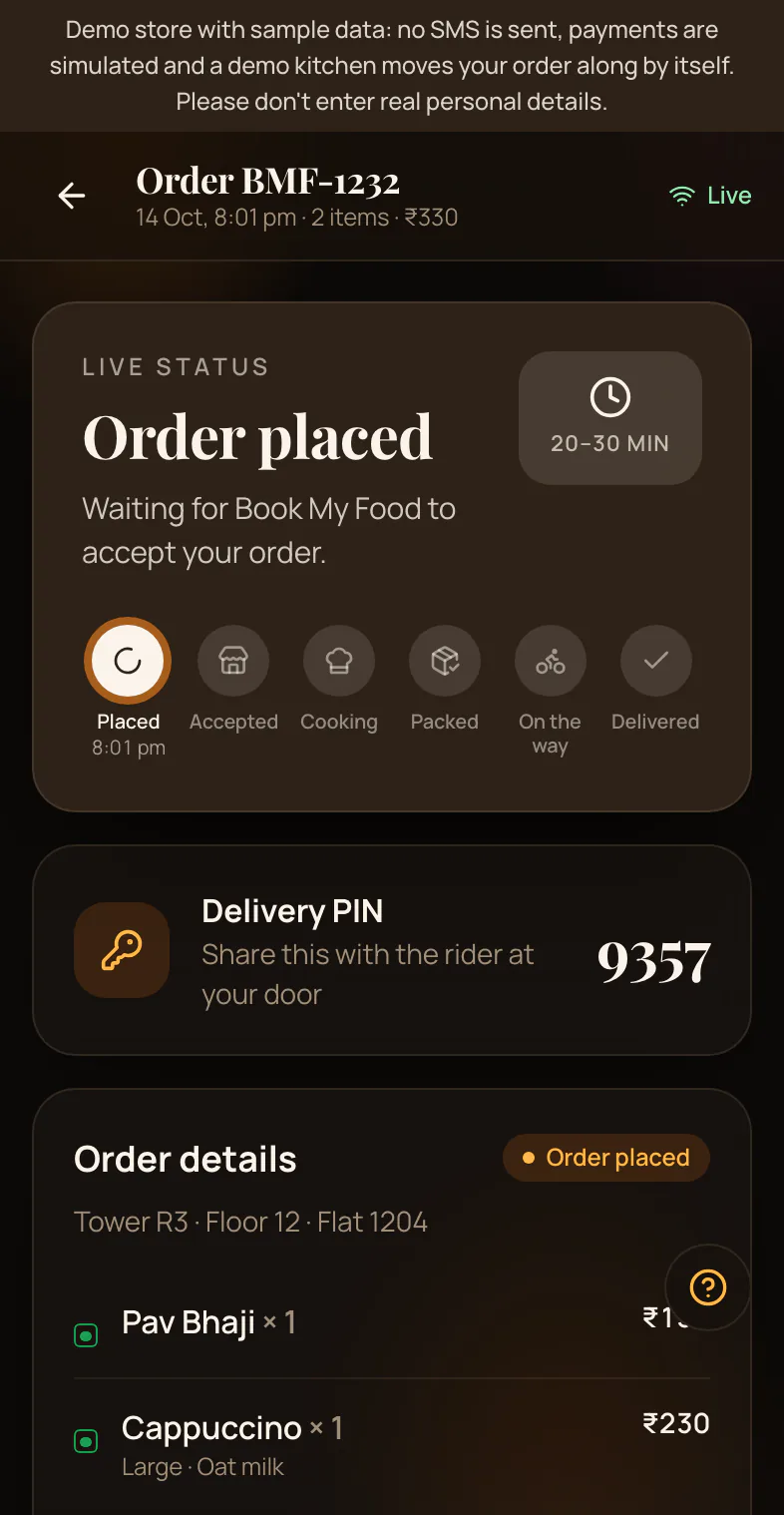
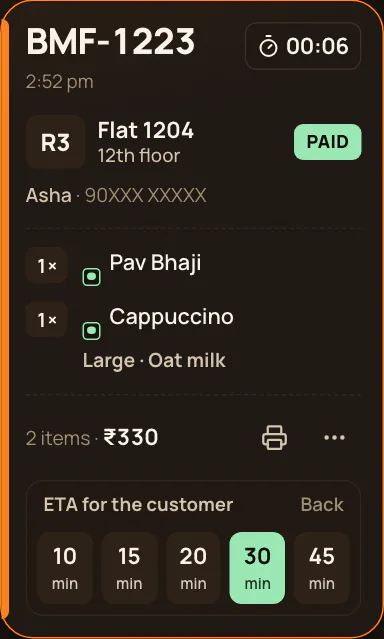
Accepted
Your kitchen said yes and set a ready time between 10 and 45 minutes. Now the order is confirmed.
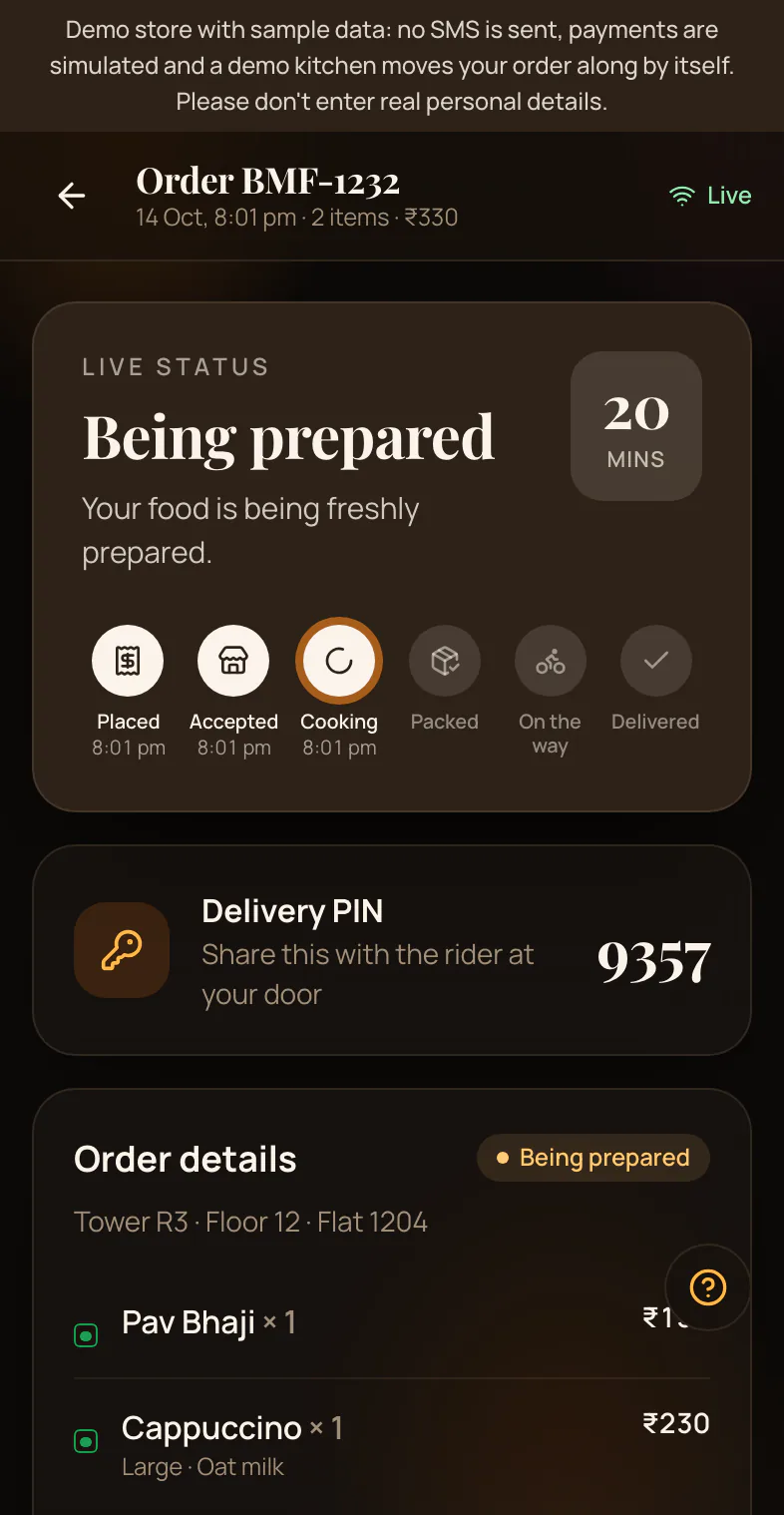
Being prepared
The food is cooking. Your customer cannot cancel it themselves any more.
Ready for pickup
The food is packed and waiting for your rider. (The customer does not pick it up. The rider does.)
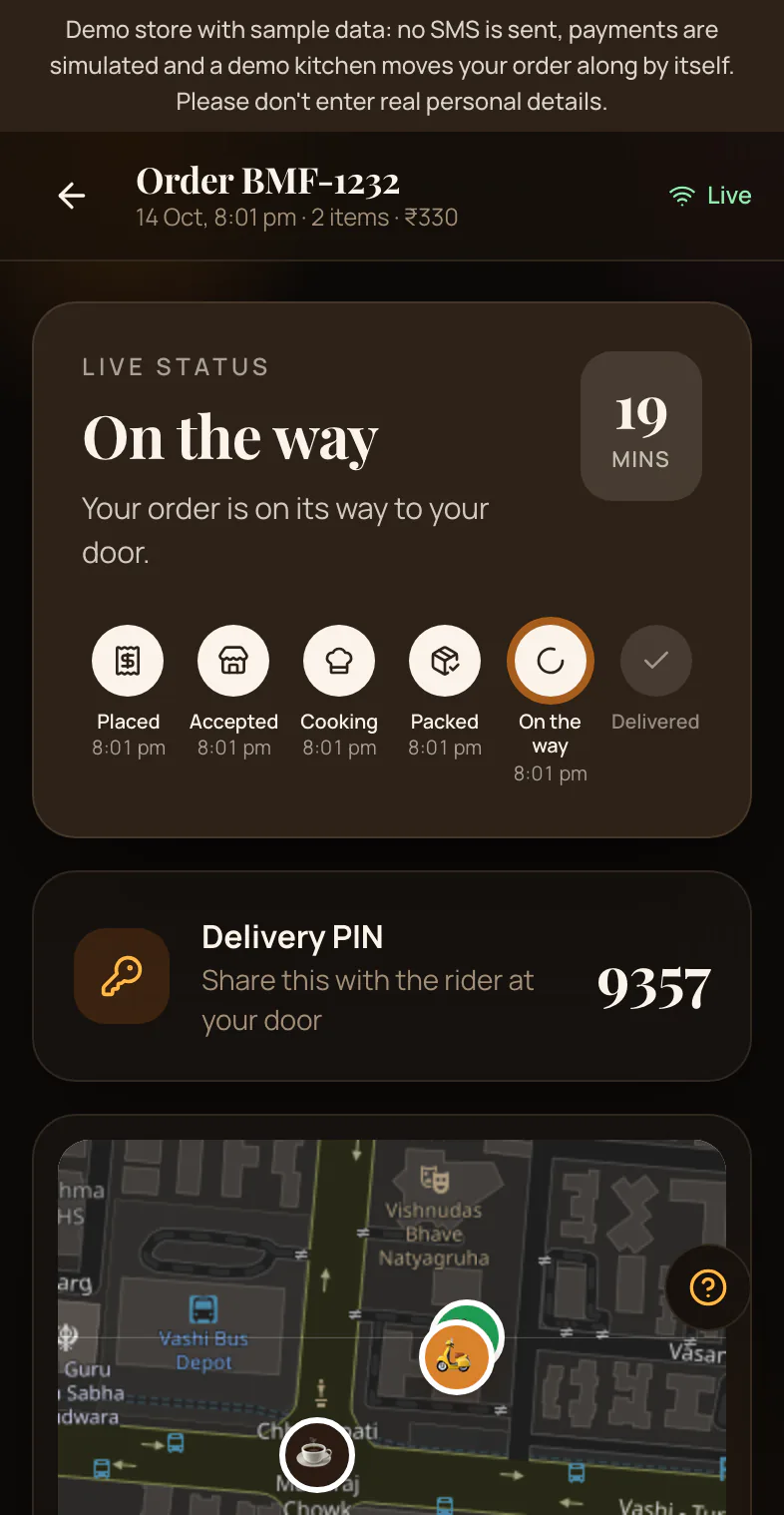
On the way
Your rider is bringing the food to the flat. When the rider shares location, your customer can see them on a map.
Delivered
Your customer can give 1 to 5 stars. Only your kitchen sees the rating.
Rejected or Cancelled
If your kitchen cannot take an order, you tell the customer why.
If they paid online, the refund starts by itself — in test mode until you connect live Razorpay keys. Read the refund rules.
Questions? Help.
Watch it
Book My Food in 80 seconds
A real walkthrough of the demo store: a resident orders, the kitchen board accepts it, the owner sees the day, a rider delivers with a live map.
Order as your customers would.
Try the demo store

