
Your customers’ experience
Your online menu: veg marks, sizes, add-ons and notes
How your customers read your menu, how add-ons change the price, and what to do about allergies.
Book My Food team Published 2 min read
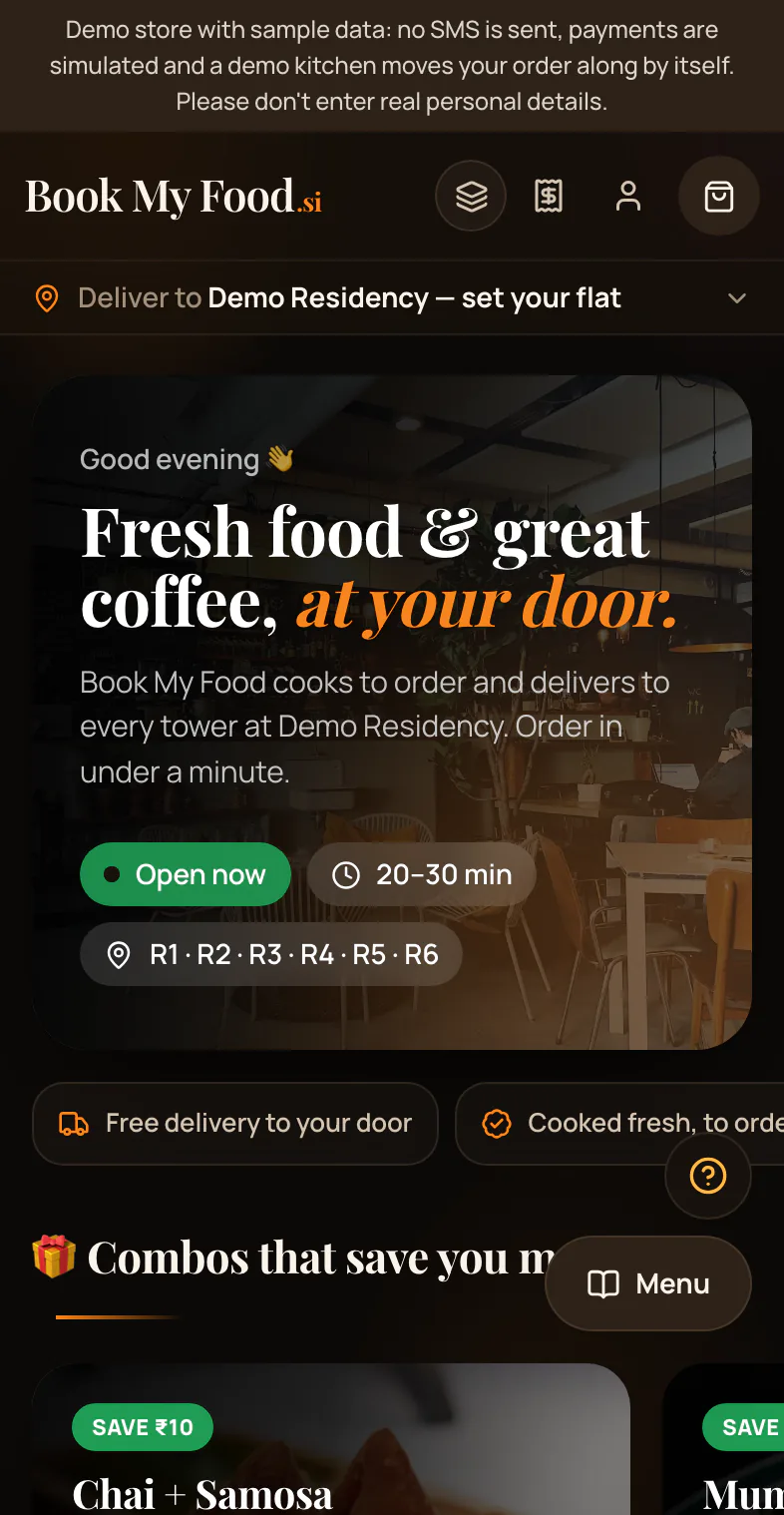
 Illustrative photo
A few marks tell your customers a lot.
Veg or non-veg
- Green square with a dot: veg.
- Red square with a triangle: non-veg.
Your customers can turn on the veg filter to see veg dishes only.
Sizes and add-ons
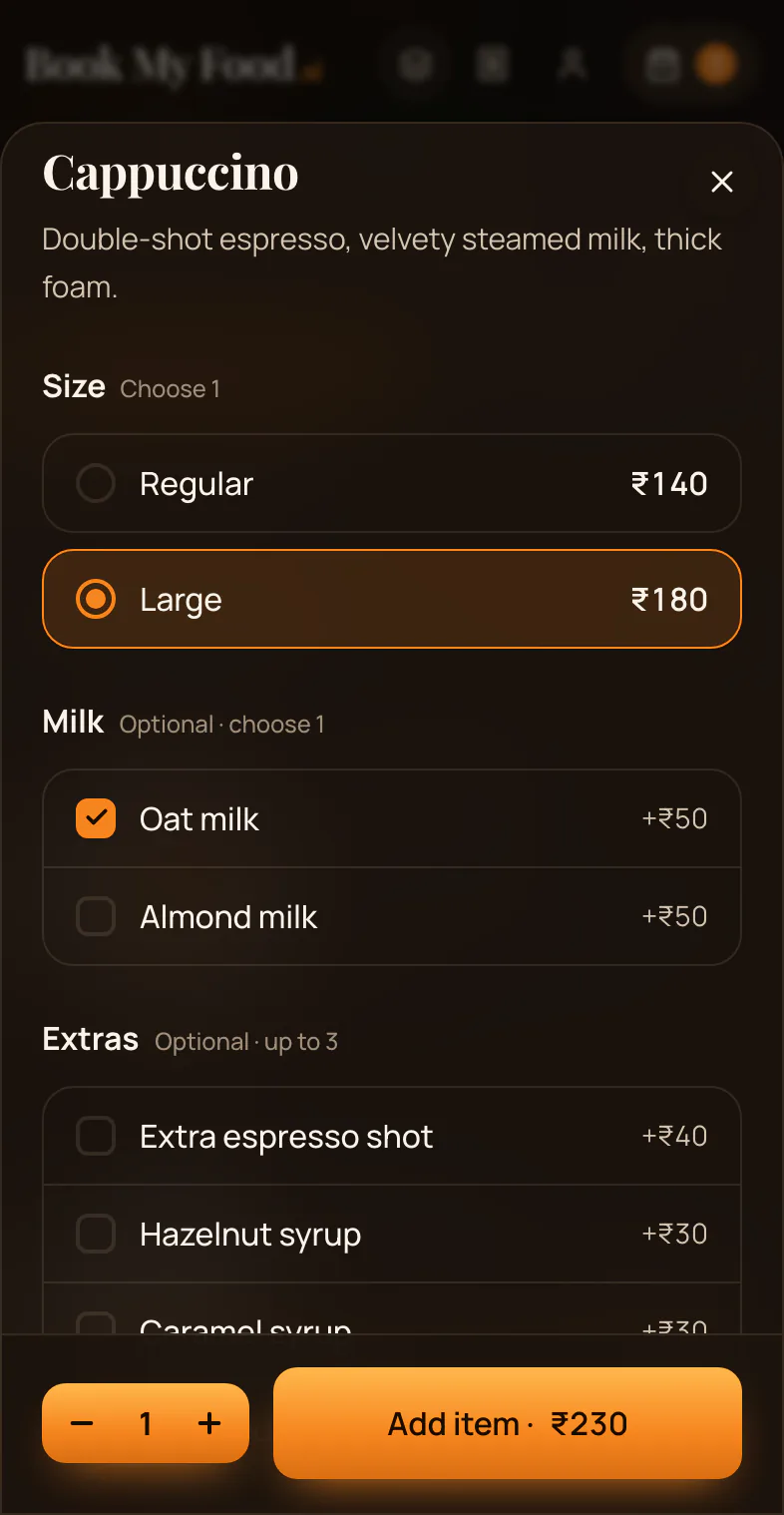
Some dishes come in sizes. Some have extras.
Each choice can change the price. The price on the Add button is always the price for what your customer picked.
Notes
Customers can add a short note, like “no onion”. It shows on the order.
Allergies
The menu does not list ingredients or allergens yet.
Customers with an allergy should send a help request before ordering, and your kitchen should answer about the exact dish.
Photos
Dish photos on the demo menu are sample photos.
See it live: Try the demo store.
Order as your customers would.
Try the demo store

