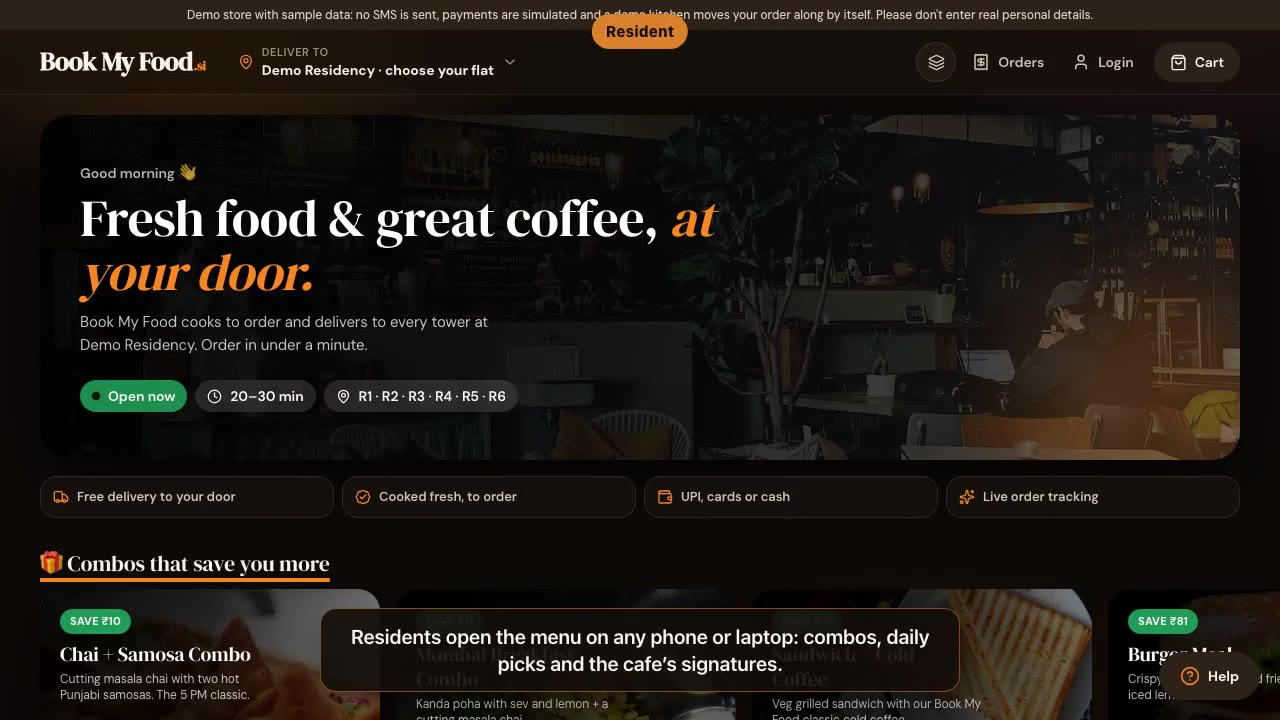
Book My Food in 80 seconds
A real walkthrough of the demo store: a resident orders, the kitchen board accepts it, the owner sees the day, a rider delivers with a live map.
1:20 · captions and transcript
Learn
Text lessons with real screenshots, one for each job: ordering and tracking for residents, the kitchen board, rider deliveries and the owner’s menu, reports and day close.
Opens the menu and walks you through a first order on screen.
A real walkthrough of the demo store: a resident orders, the kitchen board accepts it, the owner sees the day, a rider delivers with a live map.
1:20 · captions and transcript
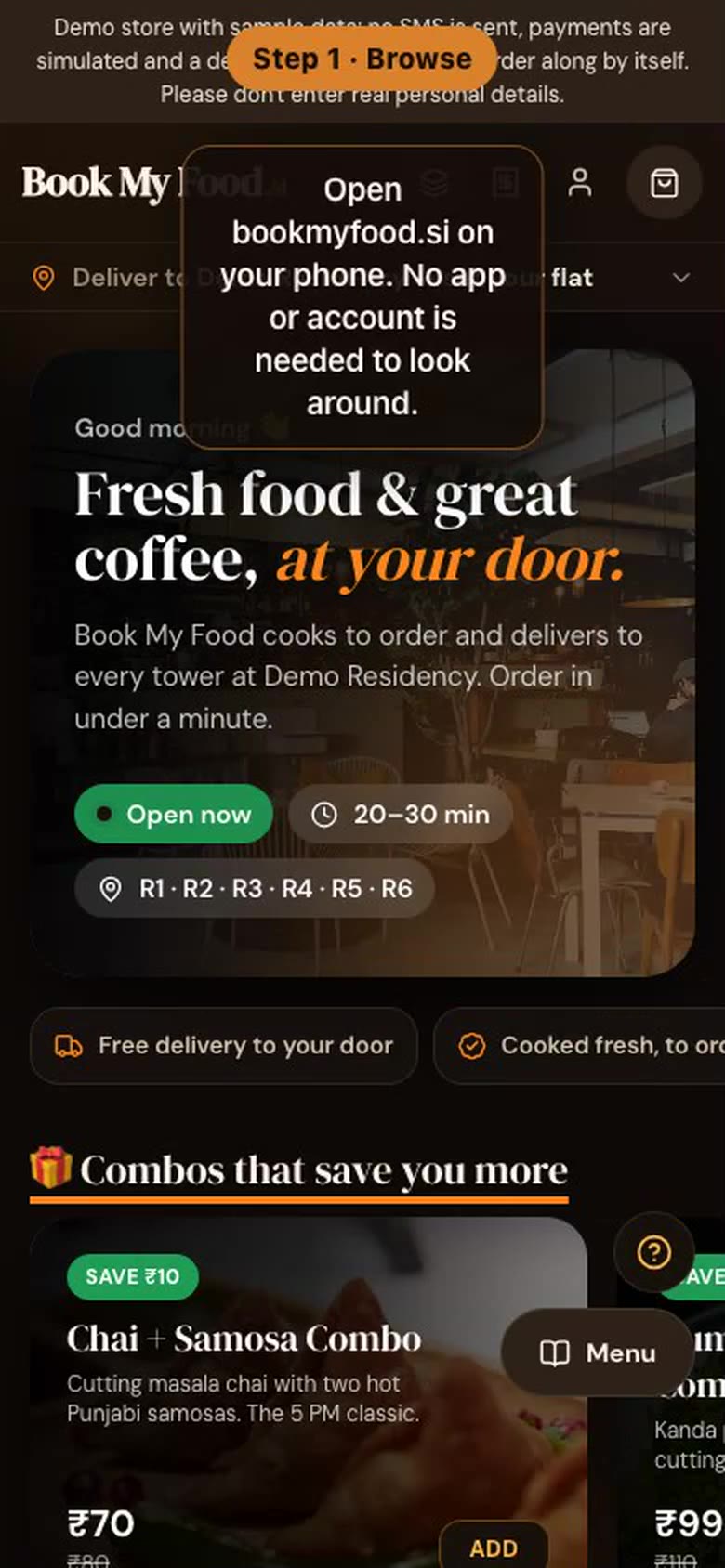
On a phone, step by step: browse, add to cart, choose tower, floor and flat, log in with a one-time code, pay, and track the order to your door.
1:22 · captions and transcript
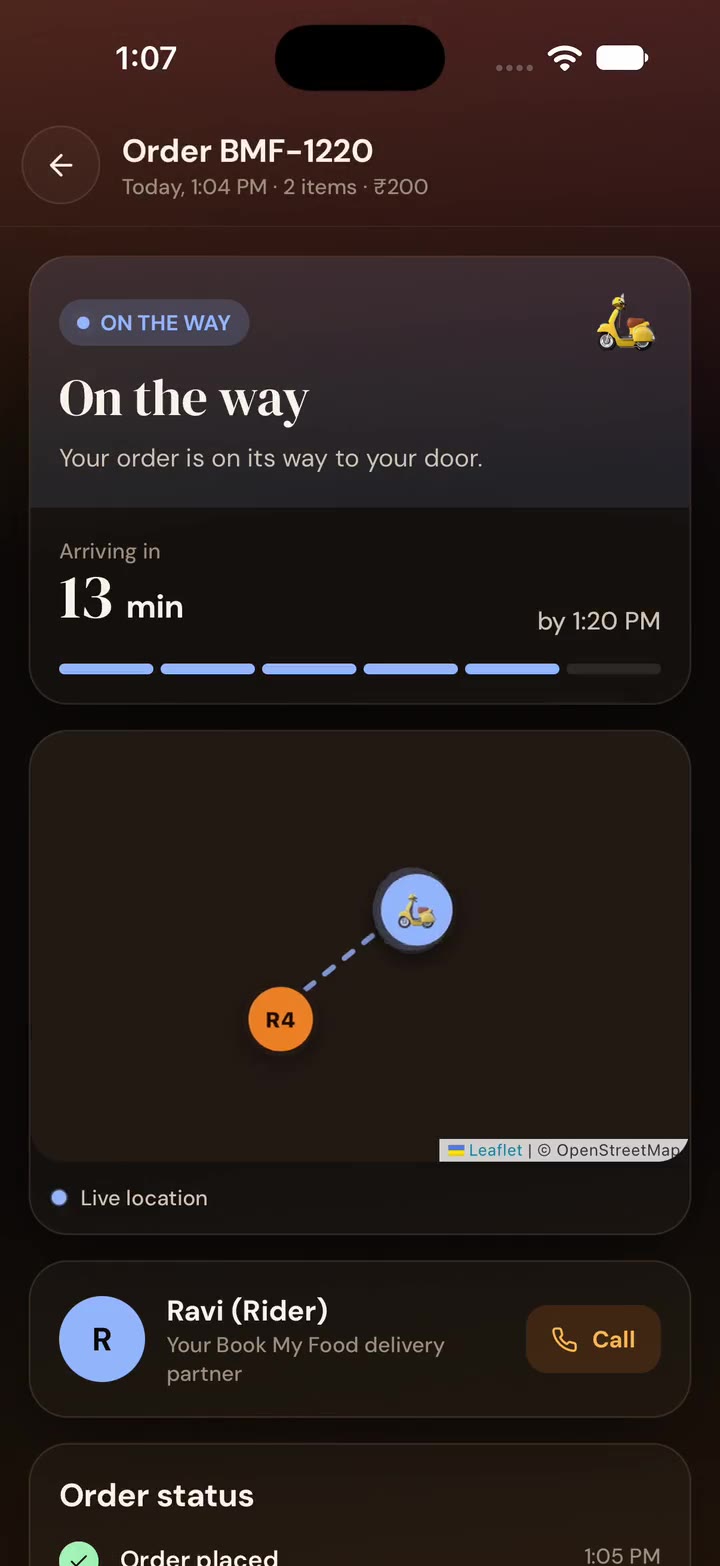
A real recording of the native iOS app (iPhone simulator, iOS 27) on the demo store: customise a cappuccino, apply a coupon, choose tower, floor and flat, pay (simulated), watch the rider on the live map, rate the order. Idle time removed.
1:20 · captions and transcript
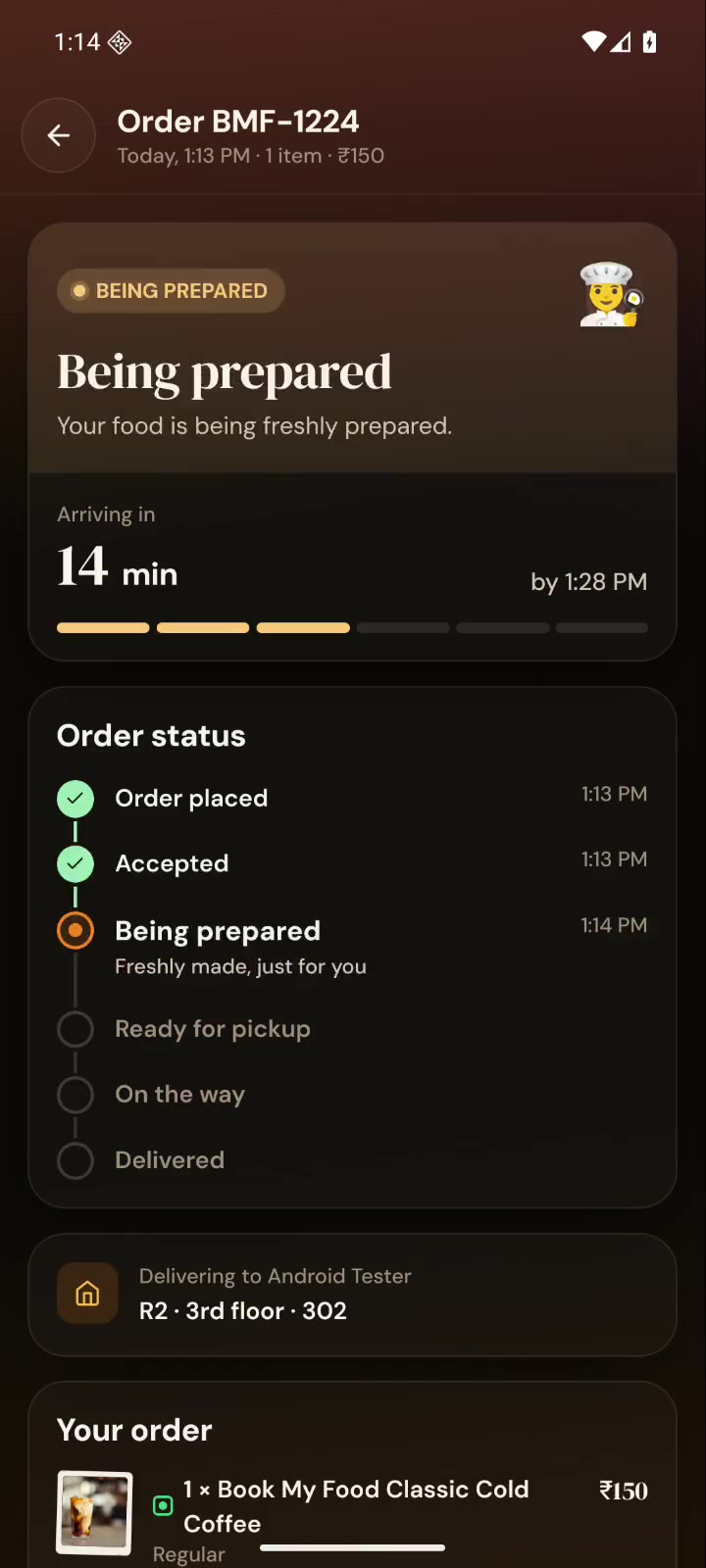
A real recording of the native Android app (Android 16 emulator) on the demo store: menu, checkout with tower, floor and flat, login with the demo code, cash on delivery, live tracking with the rider map, delivered. Idle time removed.
0:27 · captions and transcript
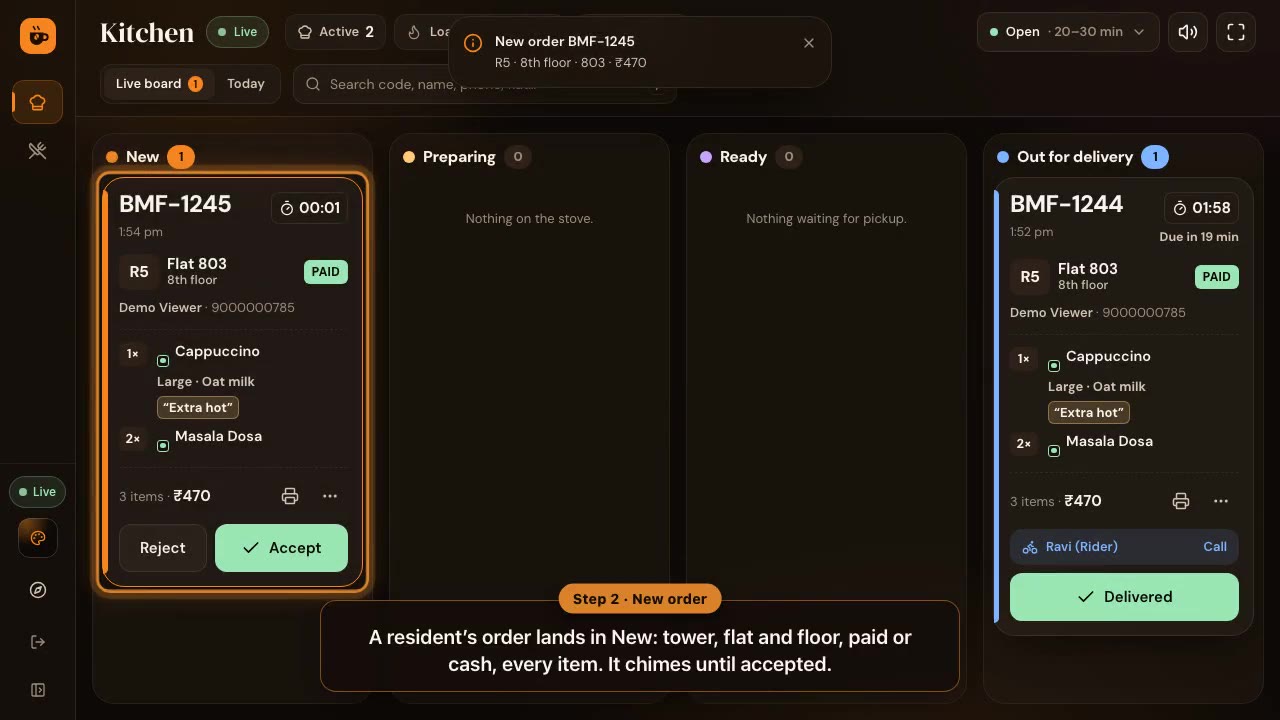
A resident’s order lands on the live board; the kitchen turns the sound on, accepts with an ETA, opens the 80 mm kitchen ticket (KOT) and moves the order through preparing to ready.
1:07 · captions and transcript
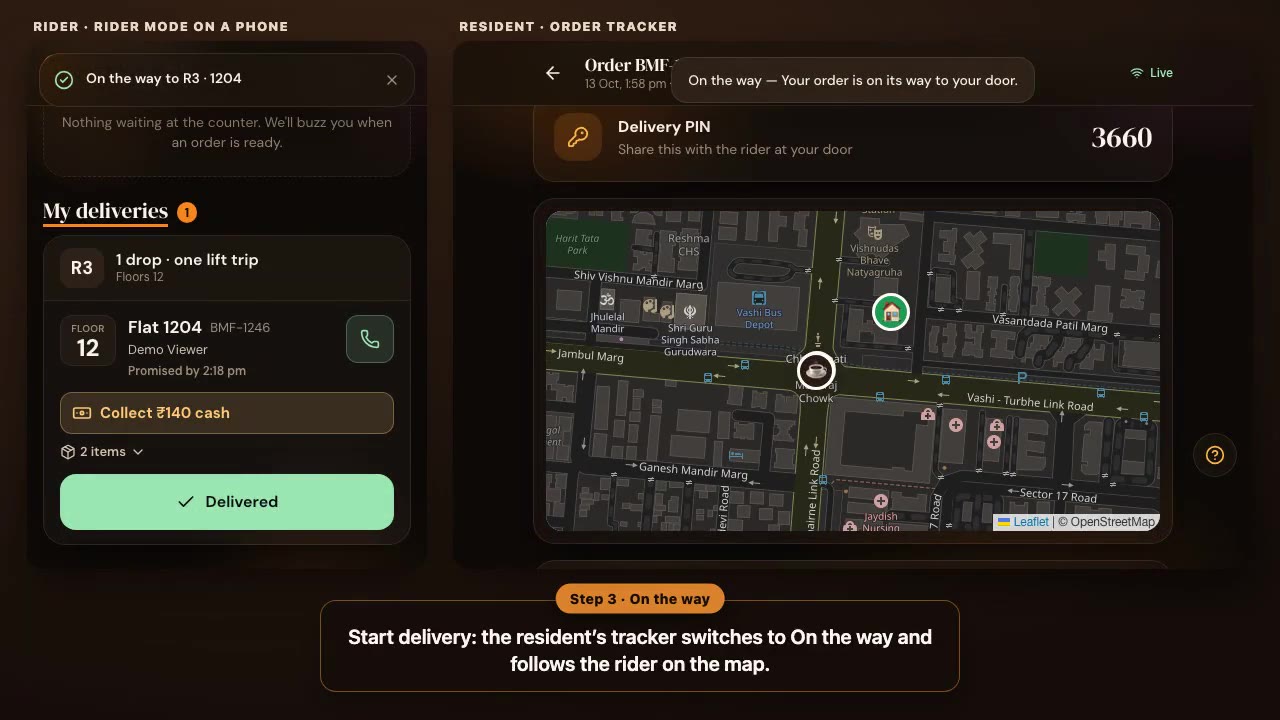
Side by side: a rider claims a ready order, shares live location, starts the delivery and confirms it with the resident’s delivery PIN, while the resident’s tracker follows on the live map.
1:10 · captions and transcript
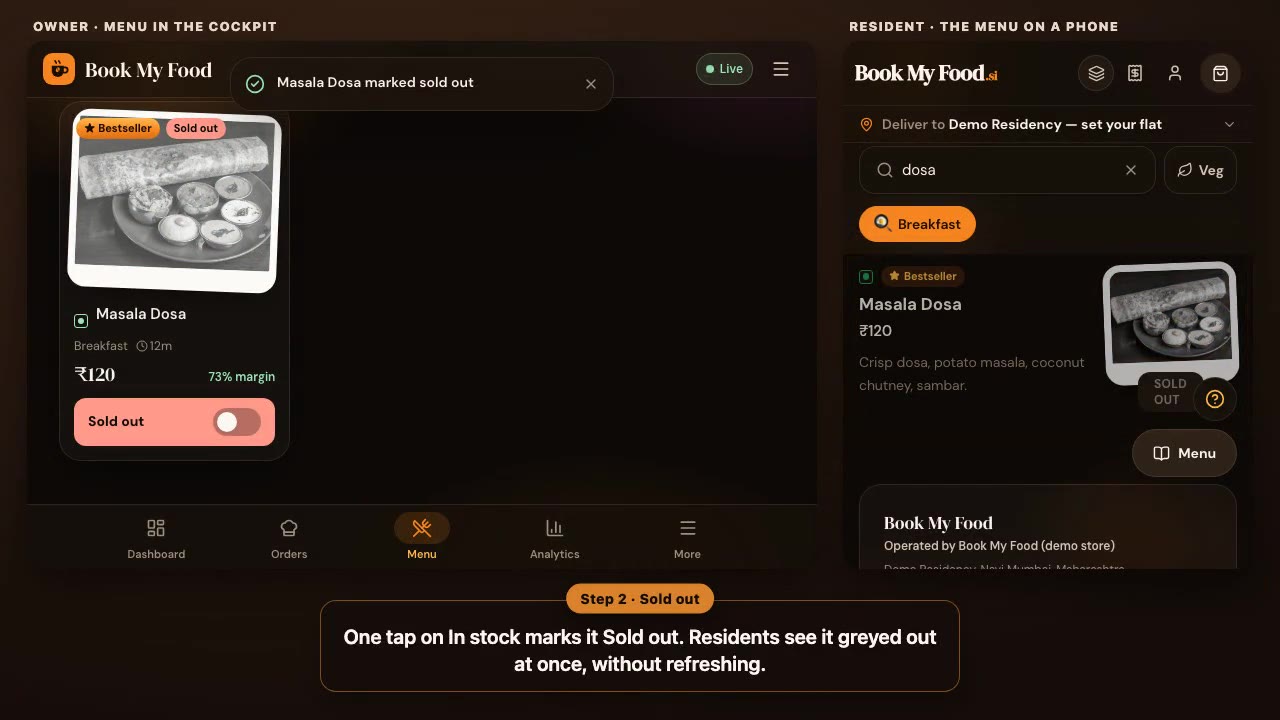
The owner’s Menu next to a resident’s phone: one tap marks a dish sold out and it greys out for residents at once, then back in stock; a price edit reaches residents straight away (and is put back on the demo).
0:57 · captions and transcript
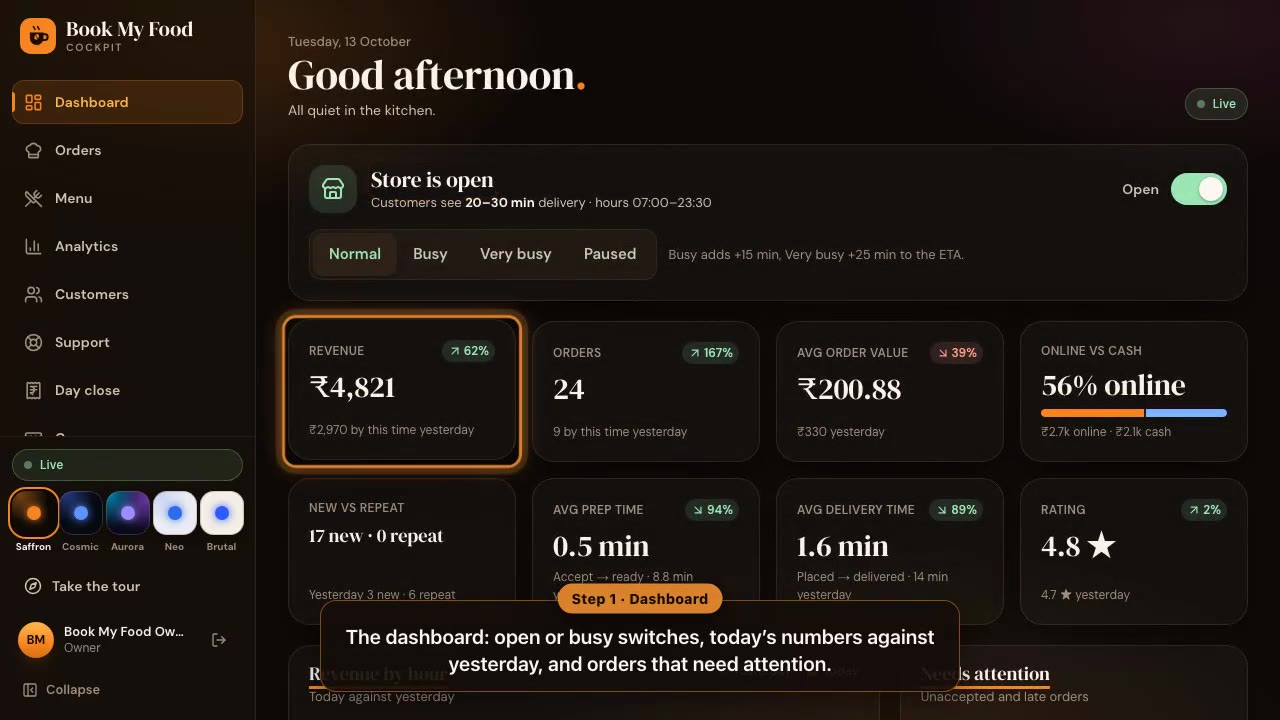
An owner’s end of day on fictional demo data: the dashboard, analytics with the customer funnel, customers by lifetime spend, the day close screen and its lock step, and the support inbox.
1:10 · captions and transcript
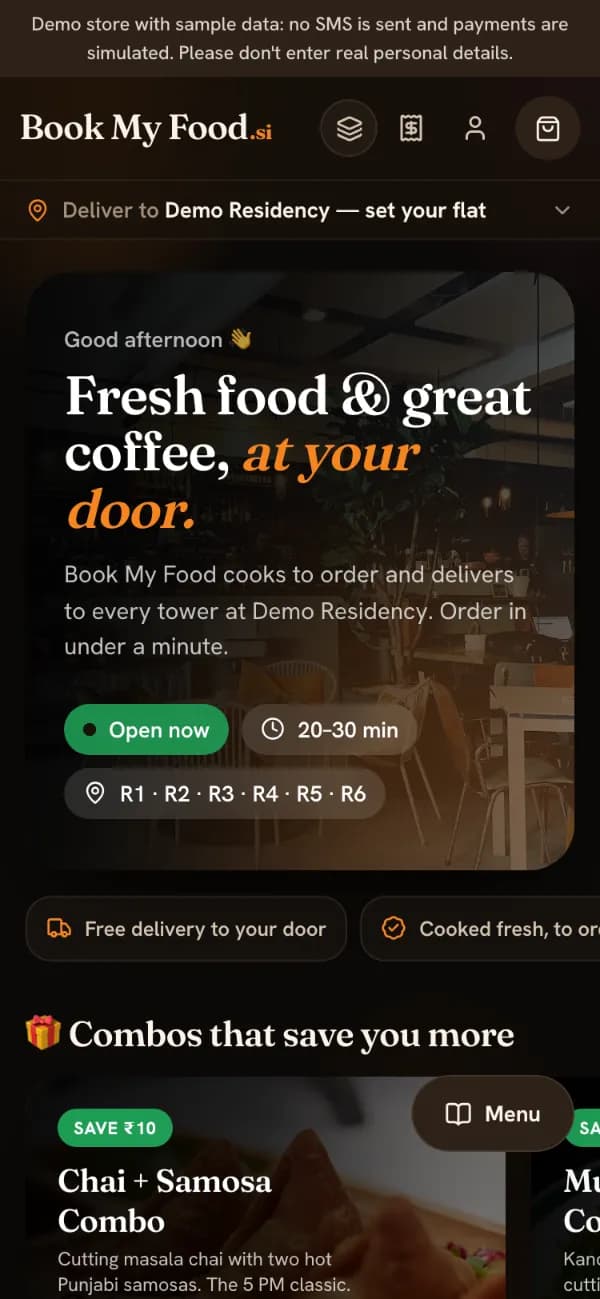
Pick your tower, floor and flat, add and customise items, apply a coupon, then check out and pay. On the demo store the login code is shown on screen and payment is simulated.
3 min · Residents
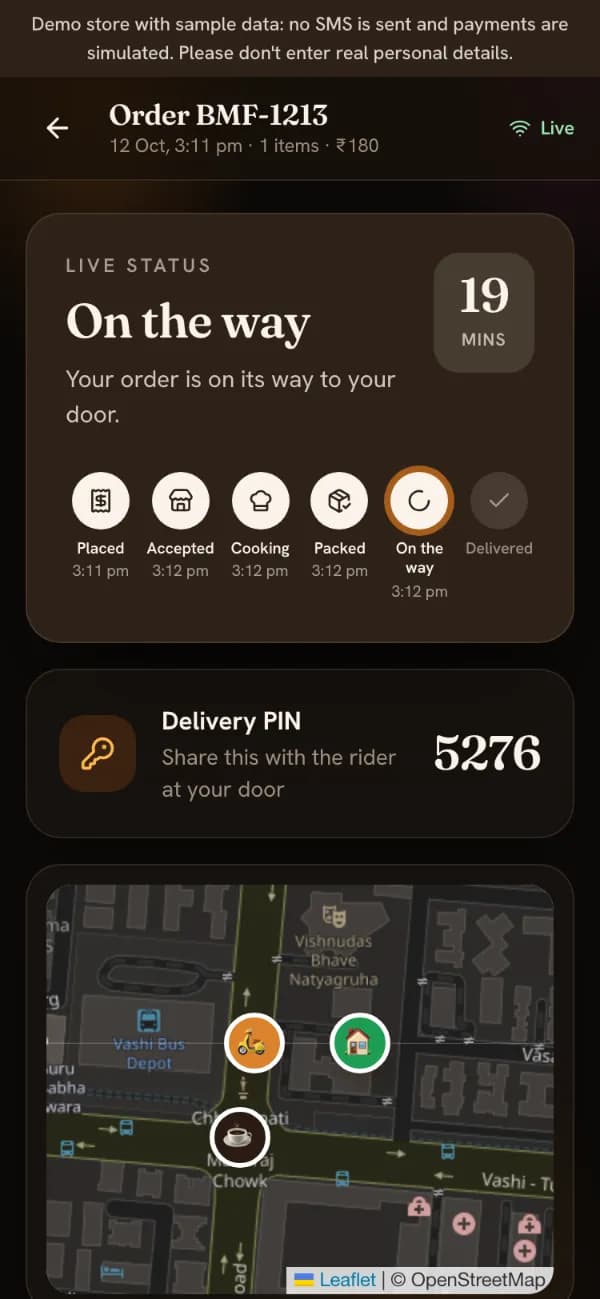
Read the live tracker, follow the rider on the map, give the delivery PIN at the door, rate the order and reorder your usual in one tap.
3 min · Residents
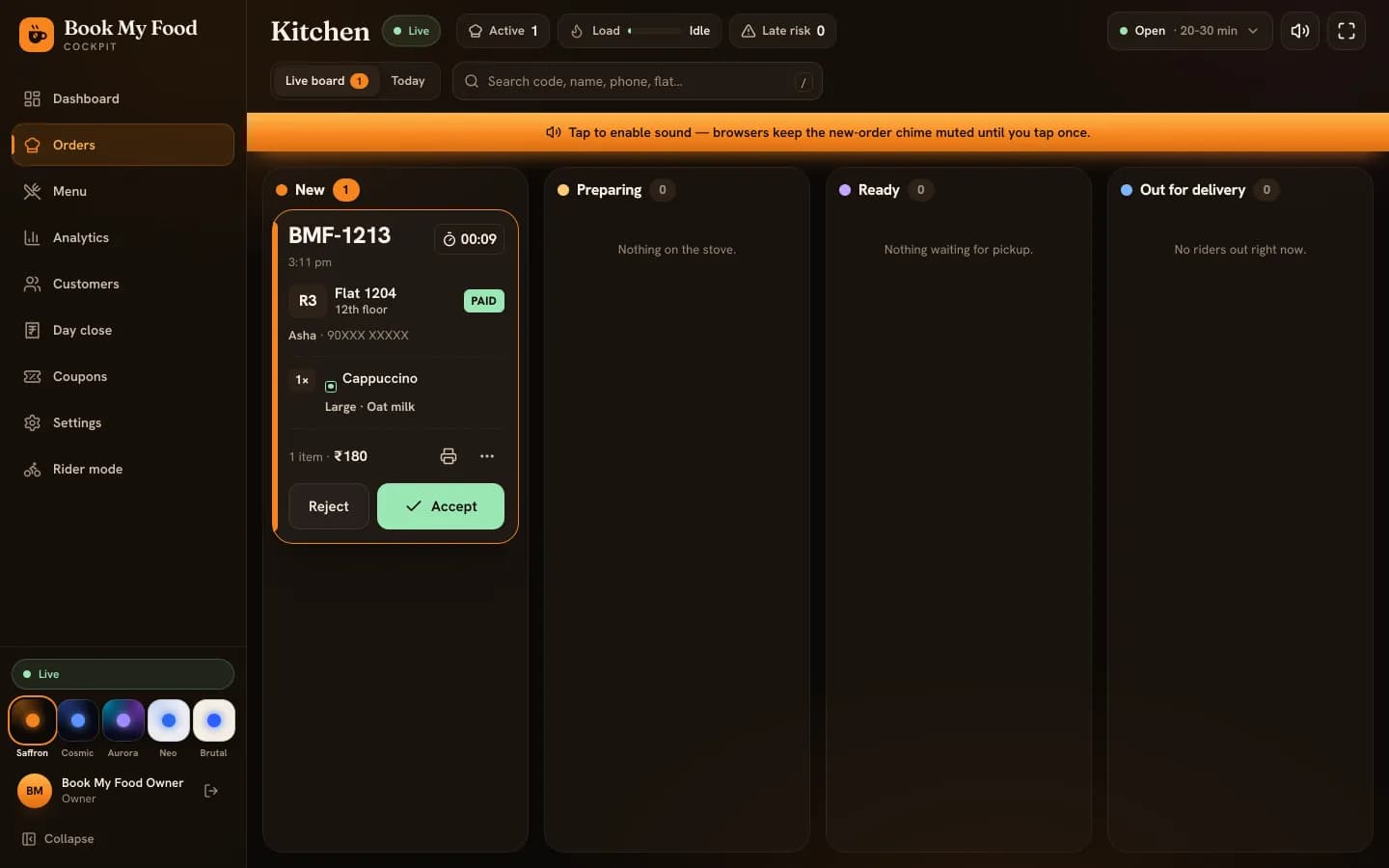
Accept new orders with an ETA, move them through preparing and ready, print the kitchen ticket (KOT) and keep the new-order chime working.
4 min · Kitchen and counter staff
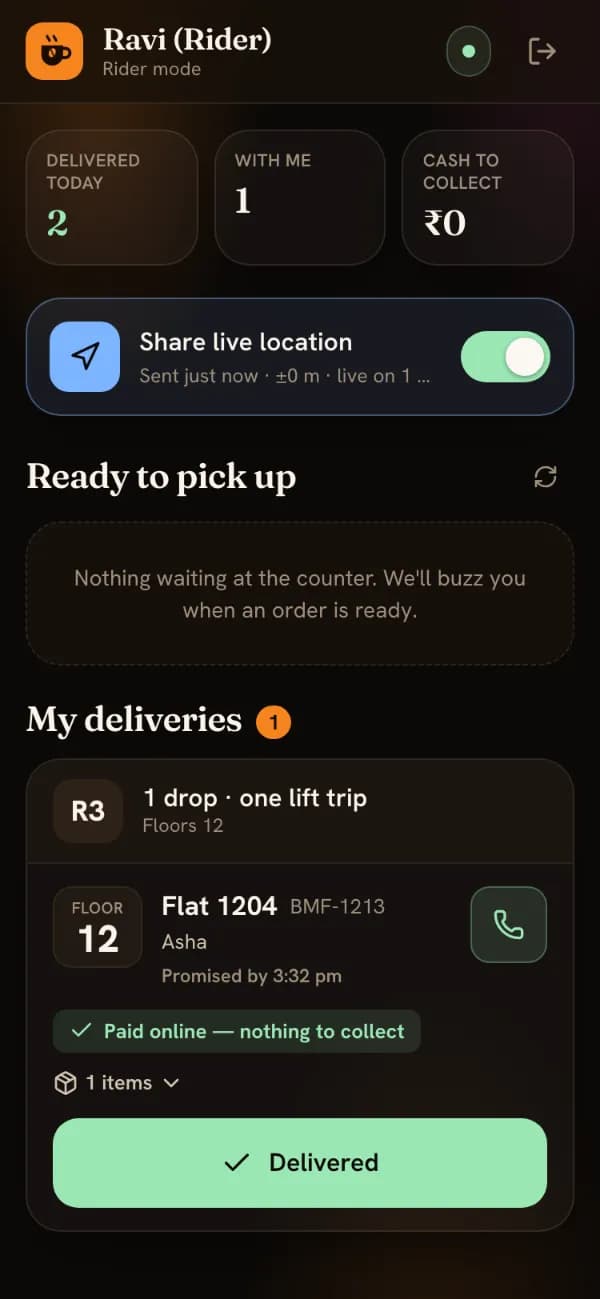
Claim ready orders, share your live location with residents, start the delivery and complete it with the resident's delivery PIN.
3 min · Delivery riders
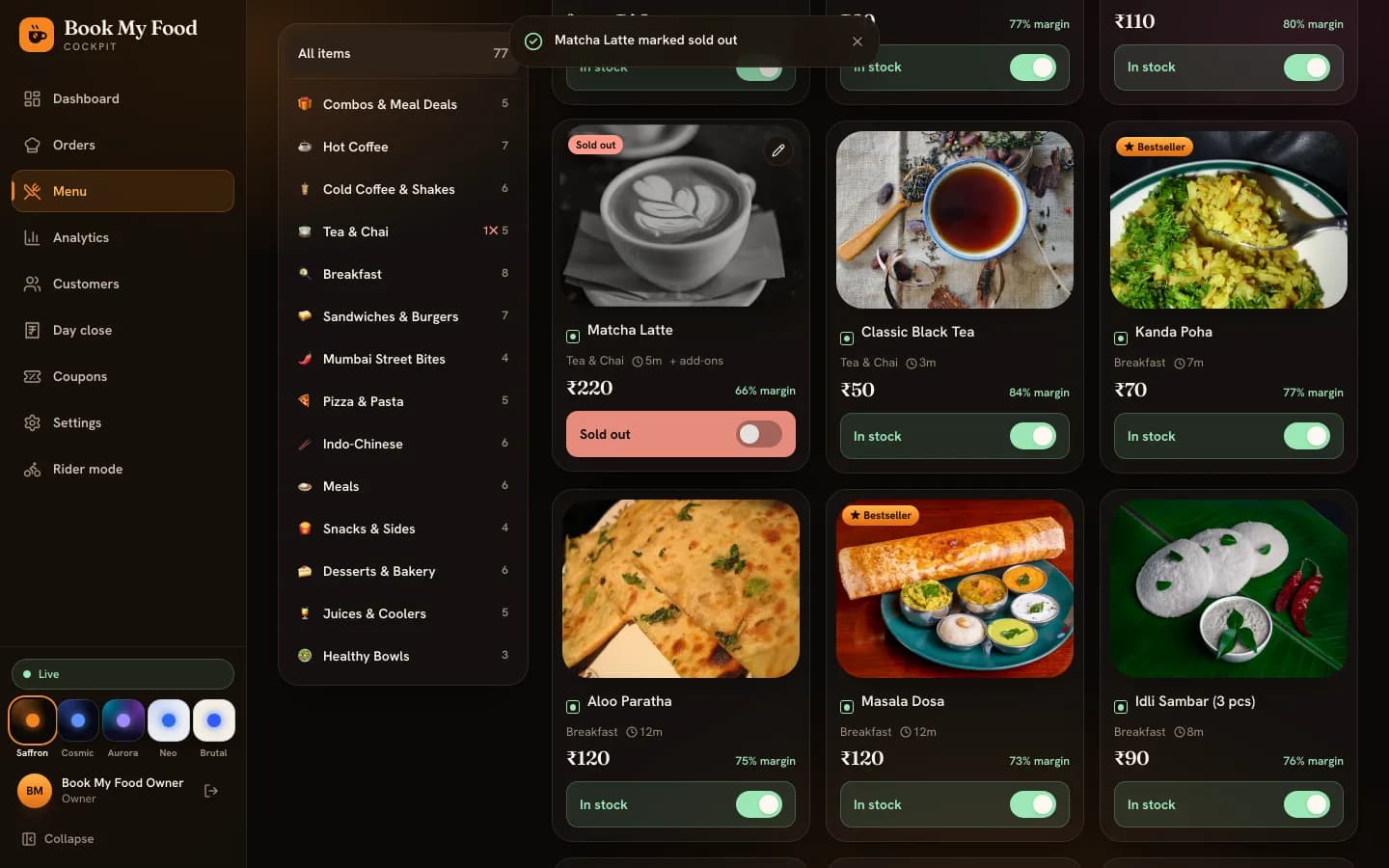
Mark a dish sold out or back in stock in one tap, edit prices, sizes and add-ons, upload photos, and know what residents see when you do.
4 min · Owners, managers and kitchen staff
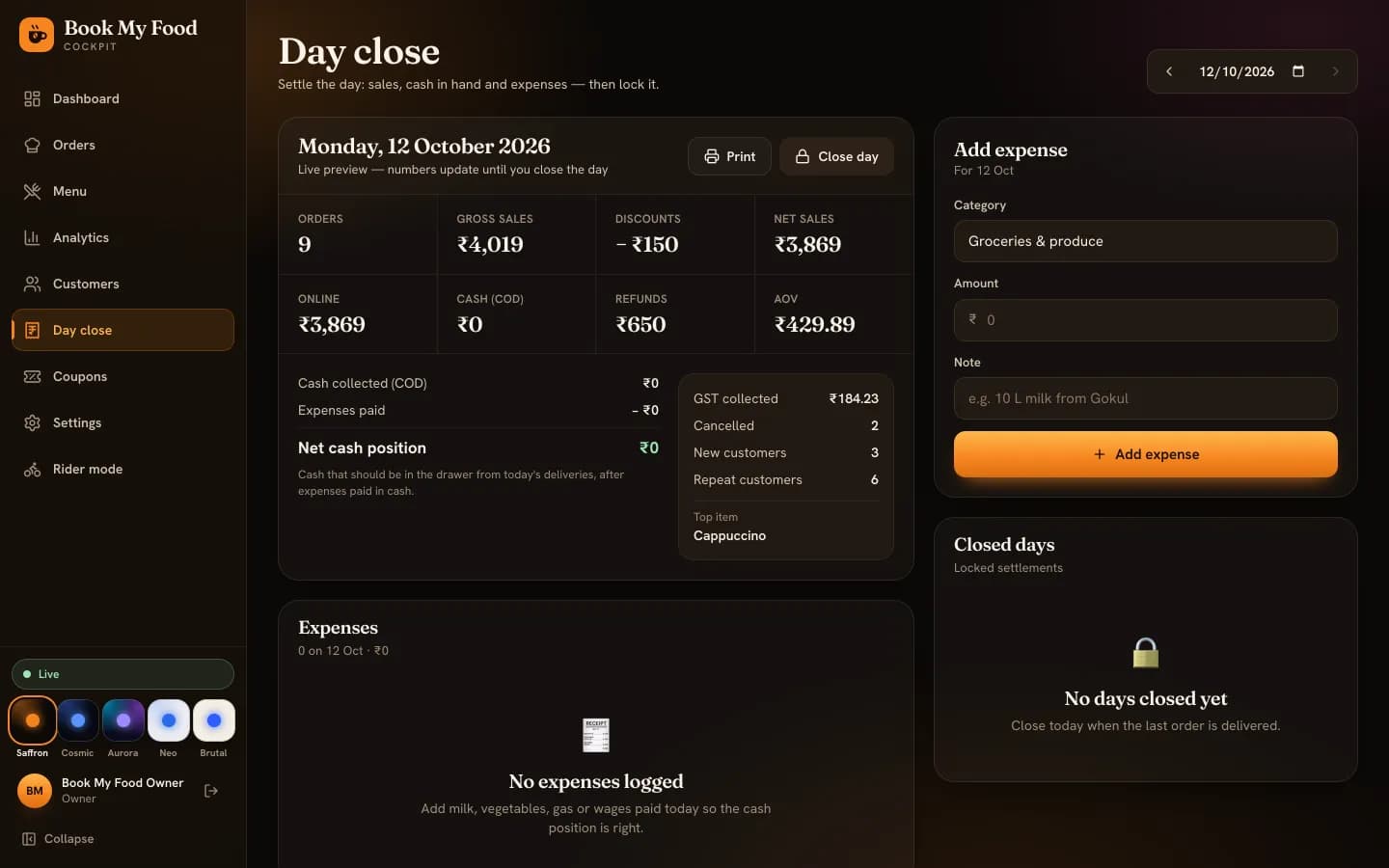
Read today's dashboard, compare periods in Analytics, see who your regulars are, run coupons, then log expenses and lock the day in Day close.
5 min · Owners and managers
See the whole resident journey, or what the kitchen, riders and owner get.